THE NOUSFARER FIELD GUIDE
Your First Voyage
Board your palace ship, follow your first steps, and land on your first planet of knowledge.
Nousfarer: The Idea Expanse is Noosaga’s 3D game of knowledge. You captain a palace that sails the Tree of Knowledge: every subject is a galaxy, every discipline a solar system, every subfield a planet with a city of Scholar’s Towers to climb. It is free, it plays in your browser, and you can start without an account.
Step aboard
Open Nousfarer. While the game loads, a painting of your ship fills the screen; the opening film follows: the camera circles the palace in space and flies through its great window to the throne room, where your captain walks to the throne. Hold E (or hold a finger on the screen) to skip it.
A new captain then chooses a look in the character creator. You can change it any time in the dressing room aboard.
Your first steps
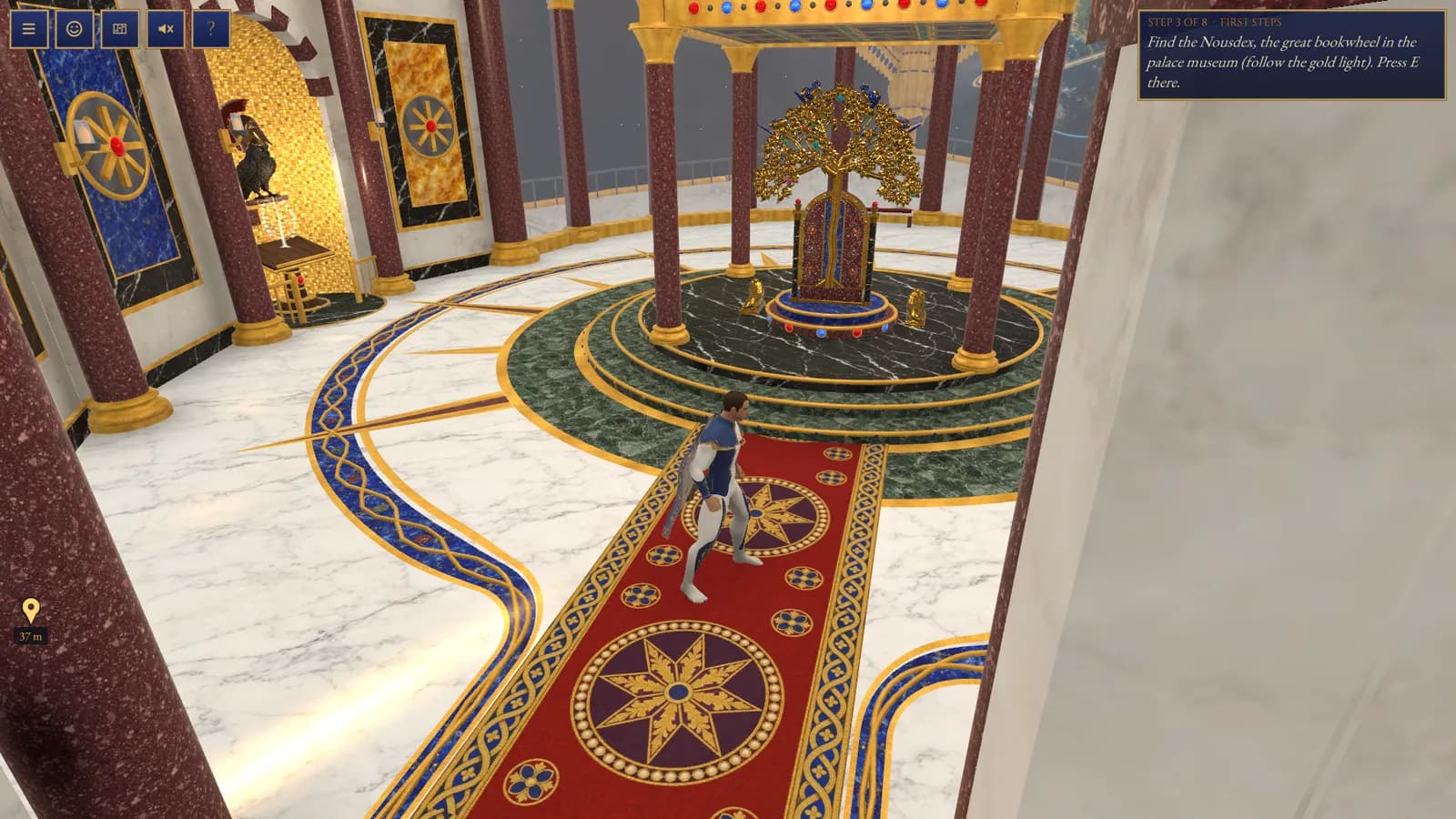
A plaque at the top of the screen walks you through the ship, one step at a time:
- Look around and walk: the plaque ticks off each direction as you try it.
- Find the Nousdex, the great bookwheel in the palace museum, and open it.
- Read the Lion Man and answer its question to collect it.
- Set it on a pedestal in the museum.
- Walk to the dressing room and try the character station at the mirror.
- Speak to the Copilot’s owl in the throne room and choose an expedition.
You never have to search: a gold light floats over the next place, a trail of light runs along the floor toward it, and when it is out of view a gold pin at the edge of the screen points the way with its distance.
Choose where to go
The world follows the Atlas’s structure:
| In the game | In the Atlas | Example |
|---|---|---|
| Galaxy | Category | Natural Sciences |
| Solar system | Discipline | Physics |
| Planet | Subfield | Classical Mechanics |
| Scholar’s Tower | Framework | Newtonian Mechanics |
| Storey of a tower | Concept | Momentum |
Sit on the throne to open the astrolabe, a hologram of the Tree of Knowledge. Choose a galaxy, then a solar system, then a planet, and set course.
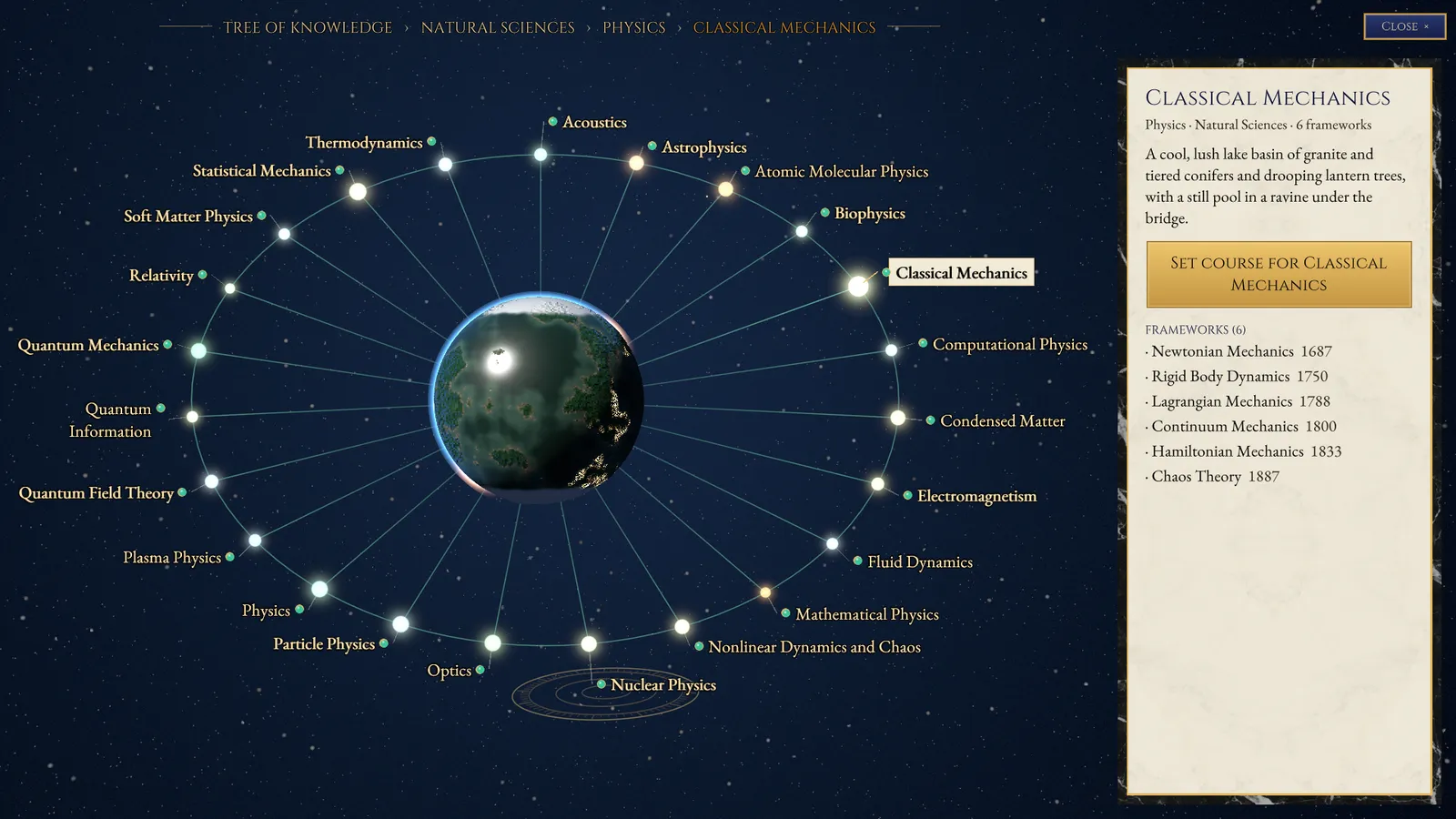
The Astrolabe & Voyages explains the journey from there to the landing field.
On a planet
Meet the Planet Guide by the landing field: their briefing introduces the subject and opens the city gate. Inside the city, each Scholar’s Tower holds one framework of the subject; climb it storey by storey, reading each concept and answering its guardian. Planets & Cities and Scholar’s Towers cover both.
Accounts and saved progress
Sign in from the menu to keep your progress with your account: mastered storeys, crowns, your Nousdex and your look. A tower’s storeys are prepared for signed-in captains; as a guest you can explore the ship and the cities and read each tower’s framework in its hall.
Where next
- Controls & the Screen: every key and touch action, and what the plaques mean.
- Your Palace Ship: the rooms aboard and what each one does.
- Copilot & Expeditions: let the owl plan a route through a subject.
- The Nousdex & Museum: collect artworks and show them aboard.
- Troubleshooting: if the game is slow or will not start.
PUT IT INTO PRACTICE
Continue your voyage.
Your next discovery is waiting.